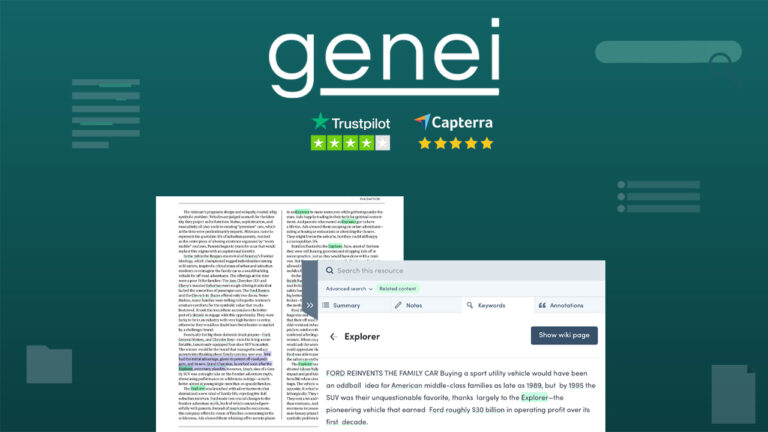
Genei’s dashboard welcomes you with the nested folder structure. Say, you are working on 7 articles this week on “Running Effective Facebook Ads”, you can create the folder “Facebook ads” & create several sub-folders, one for each article.
You can then start adding resources to each of your folders. These resources can be webpages, blog posts, research papers, PDFs (either online, or you can upload one from your machine)
In the Keywords tab, you will see the list of top keywords used in the source documents/articles. The keyword section allows you to split the document based on keywords w.r.t date, time, country, organizations, people, etc.
PRODUCT HIGHLIGHTS
- Summarise any webpage, or PDF
- Alternative to: Remnote
- Extract Keywords & Arguments, Generate Original Notes
- Best Suited for: Researchers, Content Writers, Bloggers
DEAL HIGHLIGHTS
- Unlimited A. I Powered Summaries
- AI-generated Smart Overview
- Unlimited Projects
- Unlimited Files
- Unlimited Resources
- Cloud-based Notes & Annotations
- Google Drive Integration (coming soon)
- Export Functionality
- Reference Generation & Management