
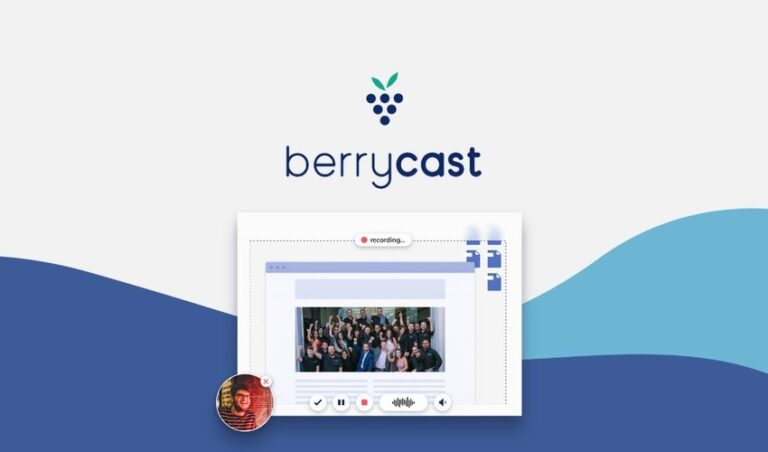
BerryCast combines screen recording, internal and external audio recording, and cam recording to get as close to showcasing ideas in person as you can online. Explain complex concepts, create a detailed tutorial, or give a personal boost to your email communications with clients and customers.
You’ll finally keep mistakes and miscommunications to a minimum with screen recordings and videos that get your point across—fast. Want to send a product how-to video or visually respond to a detailed question via email? With BerryCast, it’s a breeze!
Just record your video and share it in Outlook, Microsoft Teams, or through your unique BerryCast URL to your customers or teammates. BerryCast requires no tech skills—just three clicks and you’re on your way to recording an awesome explainer or intro video.
Wherever there’s a complicated email thread or long-winded explanation on the phone, BerryCast is there to do the heavy lifting. Provide personalized updates on important projects to your clients or give them their own detailed tutorial for your product or platform.
You’ll be able to take your sales pitches to the next level with videos to go along with your email outreach! And when it comes to teaching, BerryCast excels in delivering full lessons, providing assignment solutions and explanations, and offering visual and verbal feedback to students.
Using a traditional video meeting program to record yourself may work in a pinch, but BerryCast is built specifically for the screen and video recording. You can record video, audio, and your screen at the same time, replicating in-person presentations in a socially-distanced era.
For the camera-shy, there’s also the option to turn off that front-facing camera and just record your screen with audio. Clear up confusion and increase productivity with dynamic visuals and sound that you can share with your teammates, send to clients, and more!
Back to Directory
SaaS Product
BerryCast Showcase: Alternative to Loom & Komodo Decks
BerryCast is an app that lets you record your screen, camera, and audio at the same time, so you can create online videos that match in-person explanations.
Total Views:
1020 Times
Product Types:
Unspecified
Product Categories:
Unspecified
Dependent on:
Unspecified
Listing Type:
Unspecified
Pricing Model:
Subscription • Yearly
Deal Platform:
Unspecified
Deal Types:
Discount Coupon • One Year Deal
Deal Status:
Current Deal
Share Your Thoughts
Have you used this add‑on or are you planning to try it? Let us know your thoughts, experiences, or questions in the comments to help others in the community.
Subscribe
Login
0 Comments
Most Voted
Other Similar Products
Explore additional products listed in the directory. This section simply showcases more options you can check out to see if they fit your WordPress projects.
Explore Product Directory
Freemium
52
Subscribers Showcase: Alternative to PushEngage & OneSignal
Start driving return traffic back to your website at 4x the conversion rate of email with smarter web push notifications for desktop & mobile – Neil Patel’s favorite marketing tool

Perpetual
490
Yabe Webfont Showcase: Alternative to Font Hero & FontPress
Yabe Webfont helps you use custom fonts on WordPress and easily self-host the Google Fonts. Leverage Browser Cache, reduce DNS lookups/requests, reduce Cumulative Layout Shift and make your Google Fonts 100% GDPR compliant.
Perpetual
343
Document Library Showcase: Alternative to WP Documents Library
This WordPress file manager plugin will save you a huge amount of time on your download management. It adds a dedicated ‘Documents’ section to the WP Media Library where you can manage documents separately from images and other media types.